





Great Tip on How to Manage Student Work!
Share this:
The other day one of my readers shared a fabulous tip with me and I wanted to share it with you.
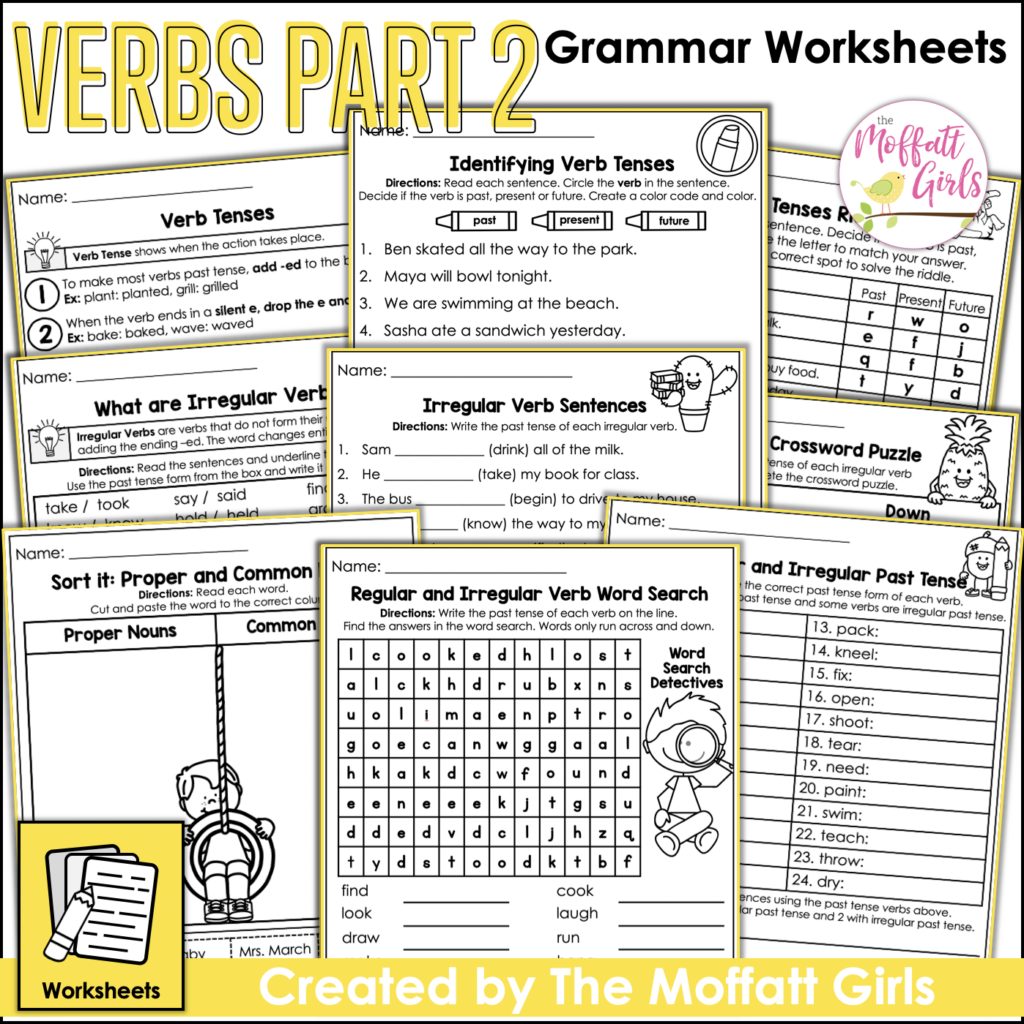
She has been using our NO PREP packets as part of her notebooks. Instead of throwing away her students’ completed papers, she now has a place to keep their work!
She wrote,
“Did you know that reducing your pages to 85% makes excellent entries into my kiddos writing, reading and math journals every day! They paste the pages into their journals and I now have a running record of their work this year! It’s fantastic for conferences and I have a record of the standards that I have taught!”
I tried it and I LOVE, LOVE, LOVE it! I wish I would have thought of this tip earlier!
Each printer is a little bit different, but generally the same. I went to PRINT, PAGE SETUP, OPTIONS and then SCALE. I reduced the size to 85% and then printed the pages.
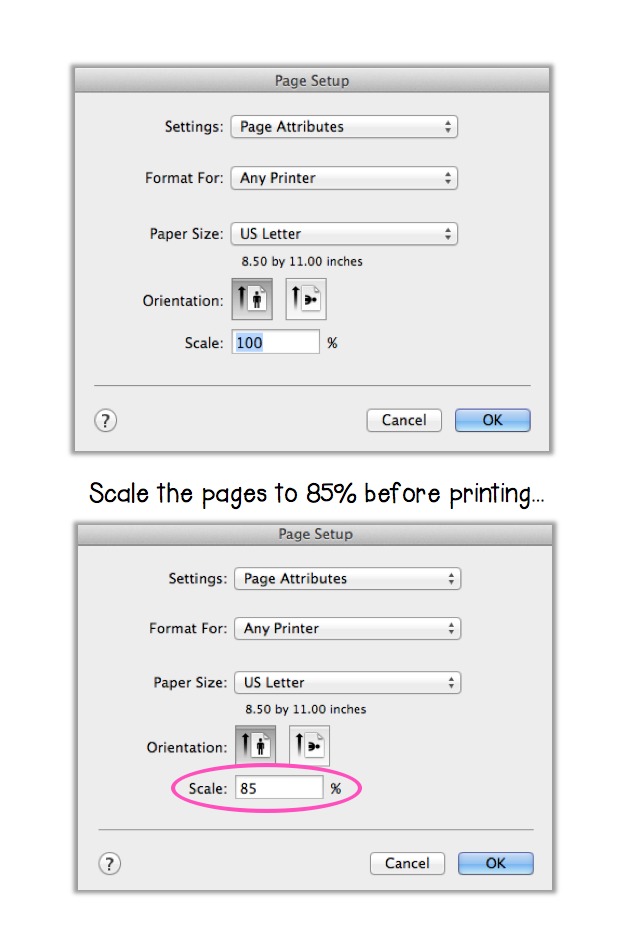
I have been using this fabulous idea and have created place for all of our work! No more wondering what I should do with all the paperwork. No more guilt of tossing into the “round file”. No more wasted learning! Everything is kept in a little journal and now we can also refer back to our learning when needed!
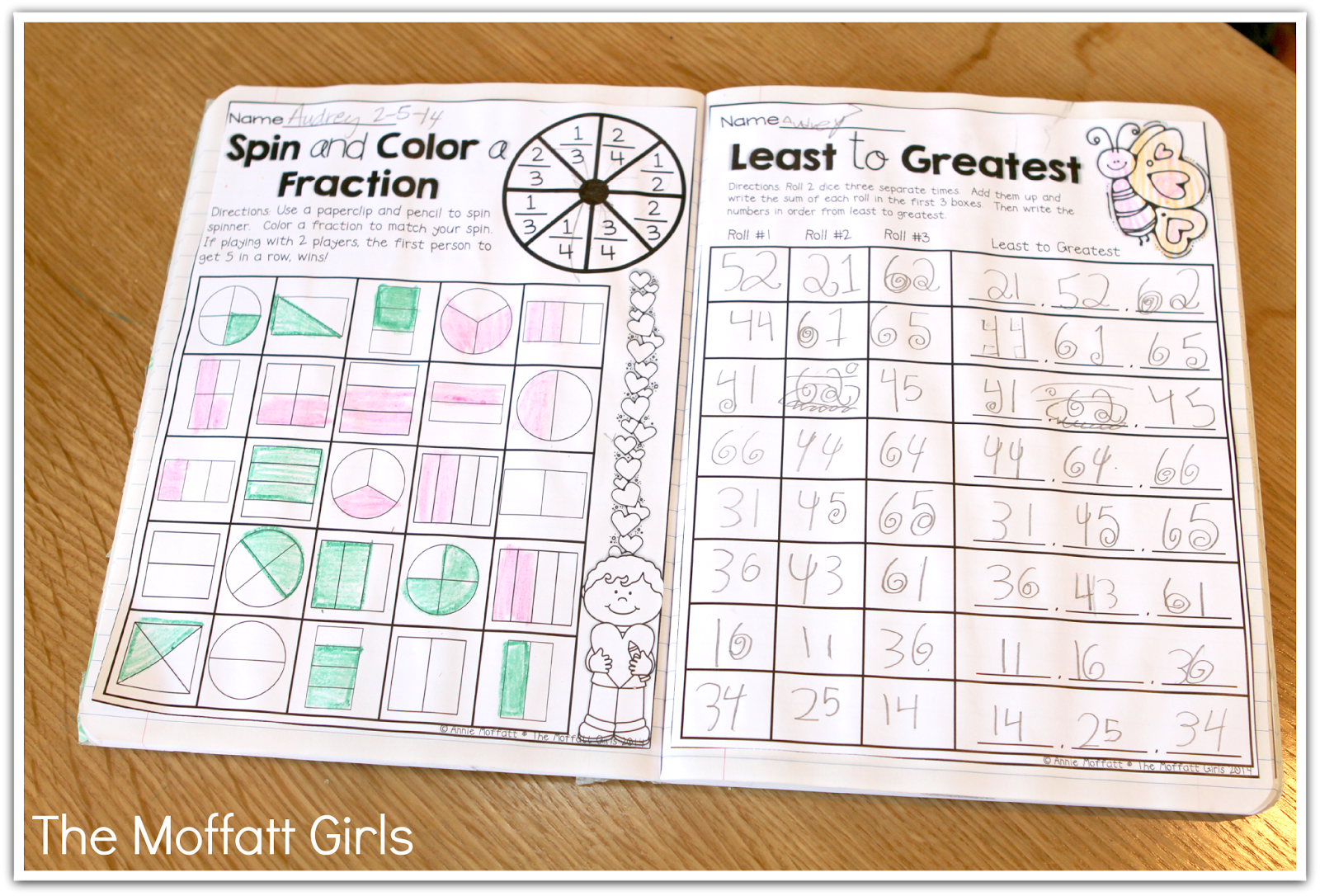
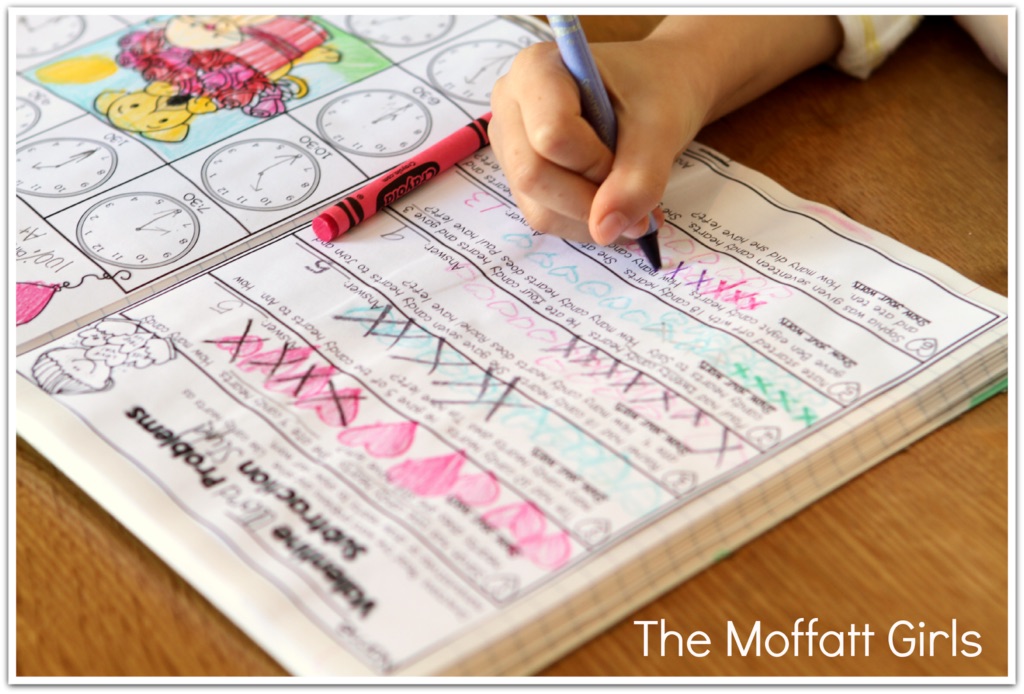
This is from our Valentine’s NO PREP packet…
math problems from the 1st grade packet…
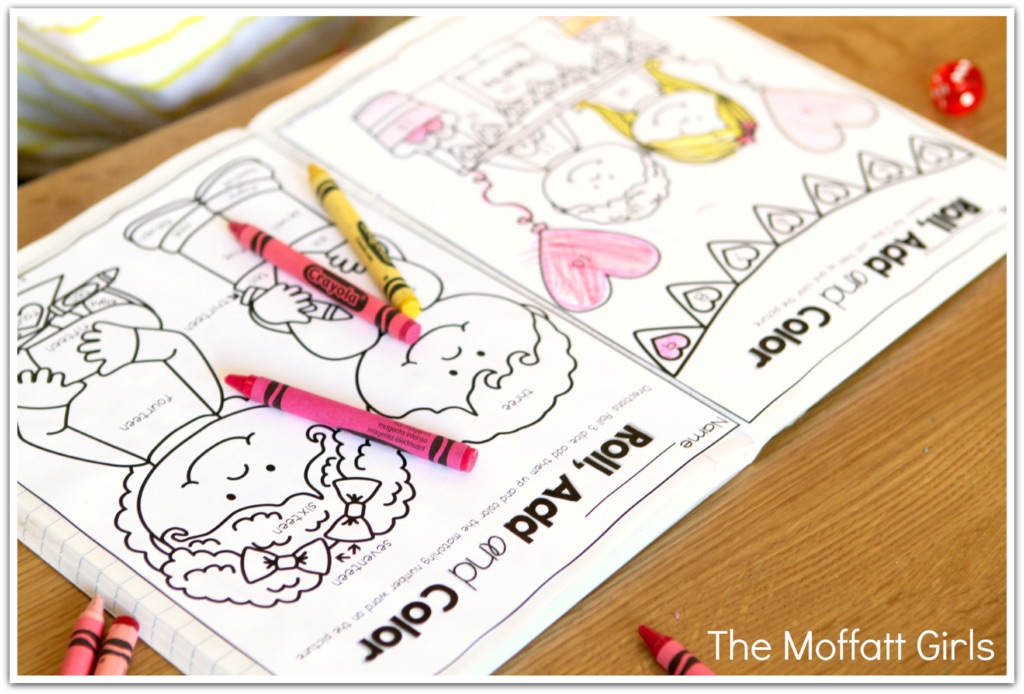
Roll, Add and Color with dice…
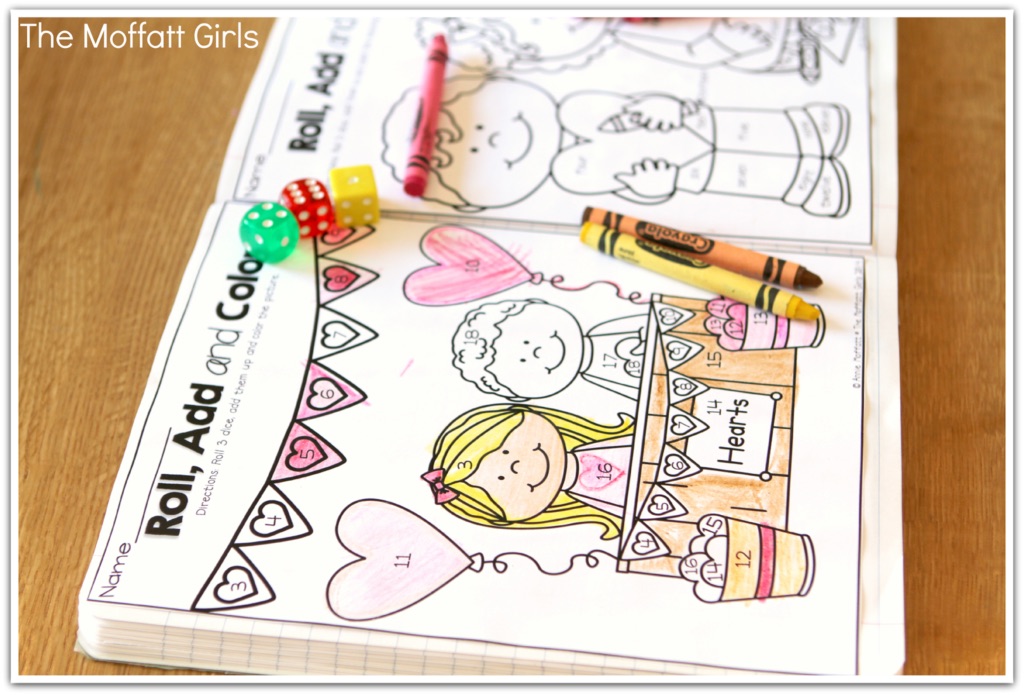
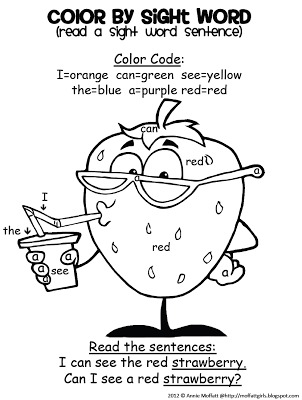
Kids LOVE to color and this allows them to color and learn!
Spin and Color a fraction…
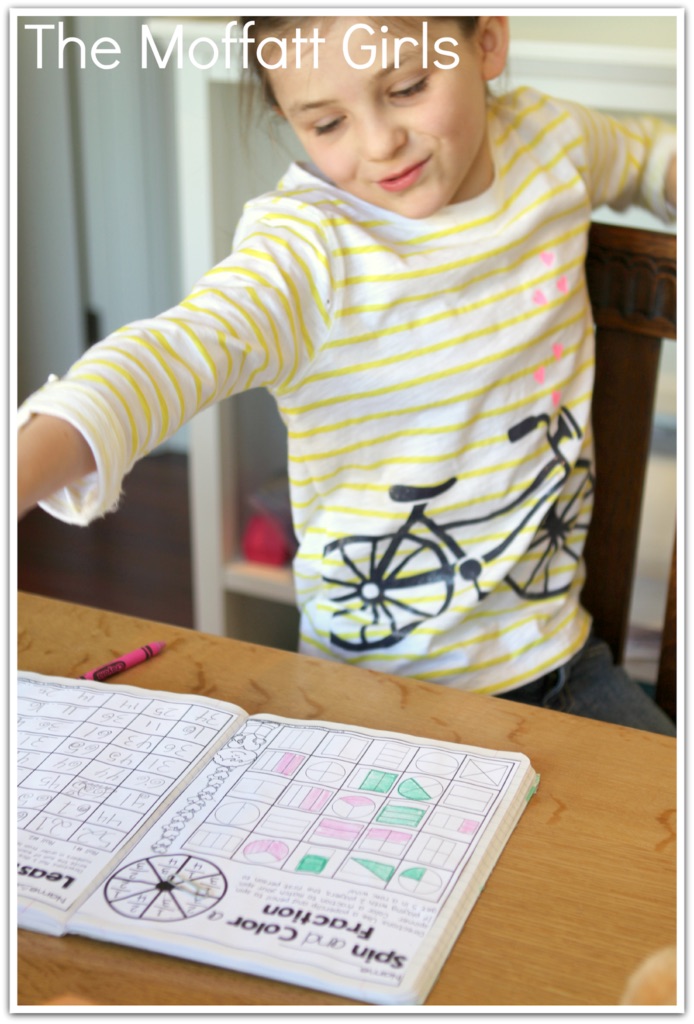
Any of our NO PREP packet can be turned into Interactive Notebooks!
Back to School Printables…
and more!
Share this:

Annie Moffatt
Annie Moffatt is a former elementary school teacher and homeschool mom with a passion for helping young learners thrive. With a background in early education and a heart for making learning fun, Annie designs engaging, low-prep resources that build confidence and success in the classroom. Her hands-on, kid-friendly approach has supported thousands of teachers and parents around the world in creating joyful learning experiences for their students.

I do mine at 75% on my Mac and it is the perfect size for the black and white composition notebooks. What a great idea for keeping all of their work in one notebook for conferences! Thanks so much for sharing!
Perfect… as always!
My daughter LOVES it when i make little booklets for her. I make a cover with what ever she is "into" such as Barbie and the Popstar on the cover with a place to write her name. Then I staple the unit into a booklet.
What a great tip. We do something similar with our required reading passages. At the end of the year, kids take home a book filled of reading material which warms our hearts since many of our kiddos do not access reading materials over the summer.
This is a great idea. I recently saw this awesome interactive alphabet notebook and became inspired to figure out what I can do with my struggling readers. I really like your packages and have several on my tpt wish list. I would like to add a parent something to the notebook as well. I am not sure though – maybe some kind of explanation of the activity and or something fun that the child and parent(s) can do together to reinforce the days activity. I would appreciate any suggestions.
I really like the spin and color a fraction! Is it on TPT if so what packet?
So you are just gluing the pages into the notebook?
Hi Erika!
YES! I just used a glue stick to add the pages 🙂 I hope that helps!
Annie 🙂
OK just trying to completely understand this before I begin.
I am in 2nd grade – who does the gluing of the pages in – teacher or kids? do you glue in several at a time or just one?
Love this idea just have to work out those little problems before I start. I know most of it is personal preference, but just curious how it works for those who have used it. thanks
Hi Marilyn!
GREAT question! I like to have the kids glue them in as we go so that the "interactive notebook" is in order of what I am teaching at the time. Like you said, it is a personal preference, but I like to do it that way 🙂 For younger kids, I glue them in. I hope that helps! Thanks for asking!
Annie 🙂